PatternChooser Update #1 Devlog
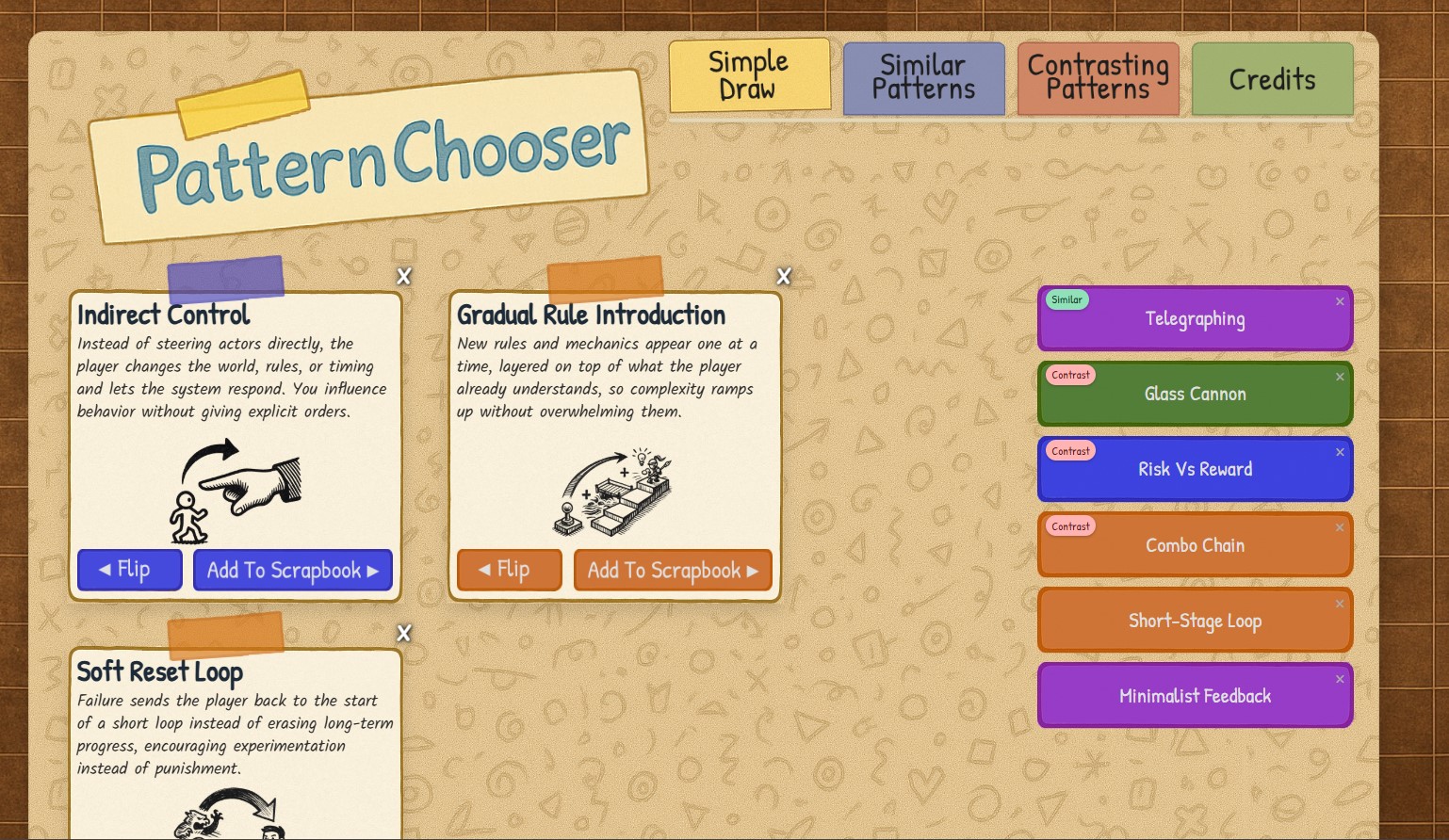
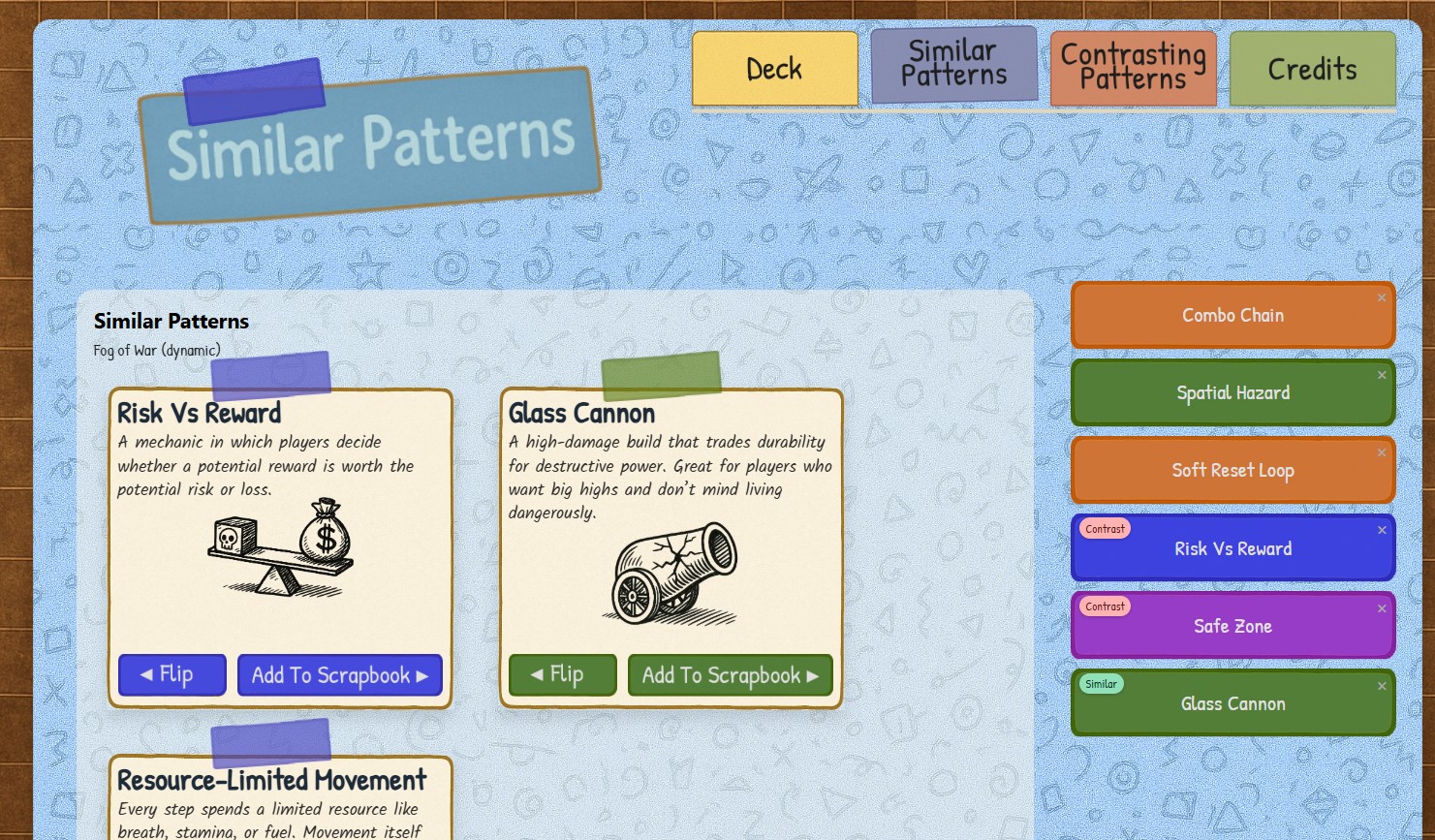

It’s been a few days. This is day #7 of working on PatternChooser alongside Spruce – My AI Partner.

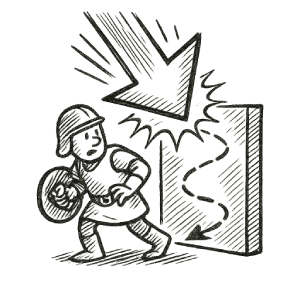
I decided to grab a handful of game design patterns to work on the Webtool with, and these images you see throughout this post are the images on the cards themselves.

So far, I have made the GUI and most of the mechanics for the main page. So far, the hardest part was getting the responsiveness down pat, and then with the cellphones and Web browsers on the desktops/laptops love to cache everything, so I know at least a solid 1-2 hours were spent just on figuring out responsive issues caused by caching. I did add a version number to the JavaScript and CSS links, so the browser would think they were brand new files each time they load. I know how it sounds, but caching is a designer’s worst enemy (well, mostly. I think that dishonor belongs to responsiveness @media queries and flexbox layouts lol). I have Spruce, though, and he’s a great teacher, so the time spent figuring out simple problems is cut down by at least 75%.

The flavor text of each card is a little exciting–in a nerdy way–to find, read about, and add it to PatternChooser arsenal. Add the images, and the “first noted” section that tells a short blurb about the first–or one of the first–games recorded to use the design pattern, and I’m not only building PatternChooser, but I’m also learning more and more about game design patterns.

I’ve decided that I will be adding only 50 game design patterns to this version (v1.0), and as I produce and build Actionary–my suite of Webtools designed to help game designers by jumpstarting their imaginations–I’ll add the other 150-200 patterns.
What’s next for PatternChooser? Right now, I’ve only built and released Toy Path, but my games will be featured on the back of the game design pattern cards, for which game that hosts the individual pattern. Then, I will have the patterns selectable, so the user can find other patterns that compare or contrast to the selected one. Afterward, I will cherry pick which patterns I will add next. Then it will be ready for release. PatternChooser will be my third Webtool I’ve released, but fourth release altogether. Gotta love an even number.

My main goal for the GUI for PatternChooser was to look like a scrapbook. Do you think I’ve achieved that? Based on cover image for this post? It was–and is–important to me to have alluring and easy-on-the-eyes user interfaces for all of my Webtools.

So, what do you honestly think of the project so far? Confused about what it is and does? Check out my main PatternChooser post here. Have any suggestions? Criticisms? Questions? Send them my way, and I will answer. Until then, thanks for reading and supporting my projects.
Leave a comment
Log in with itch.io to leave a comment.